2026-05-31 · Jordan Hale · 640 words
Backing up the local store
No cloud sync means you back up maskwright-data. This how-to is the operator's job: copy the store, test the restore, and keep the copy off the work rooms.
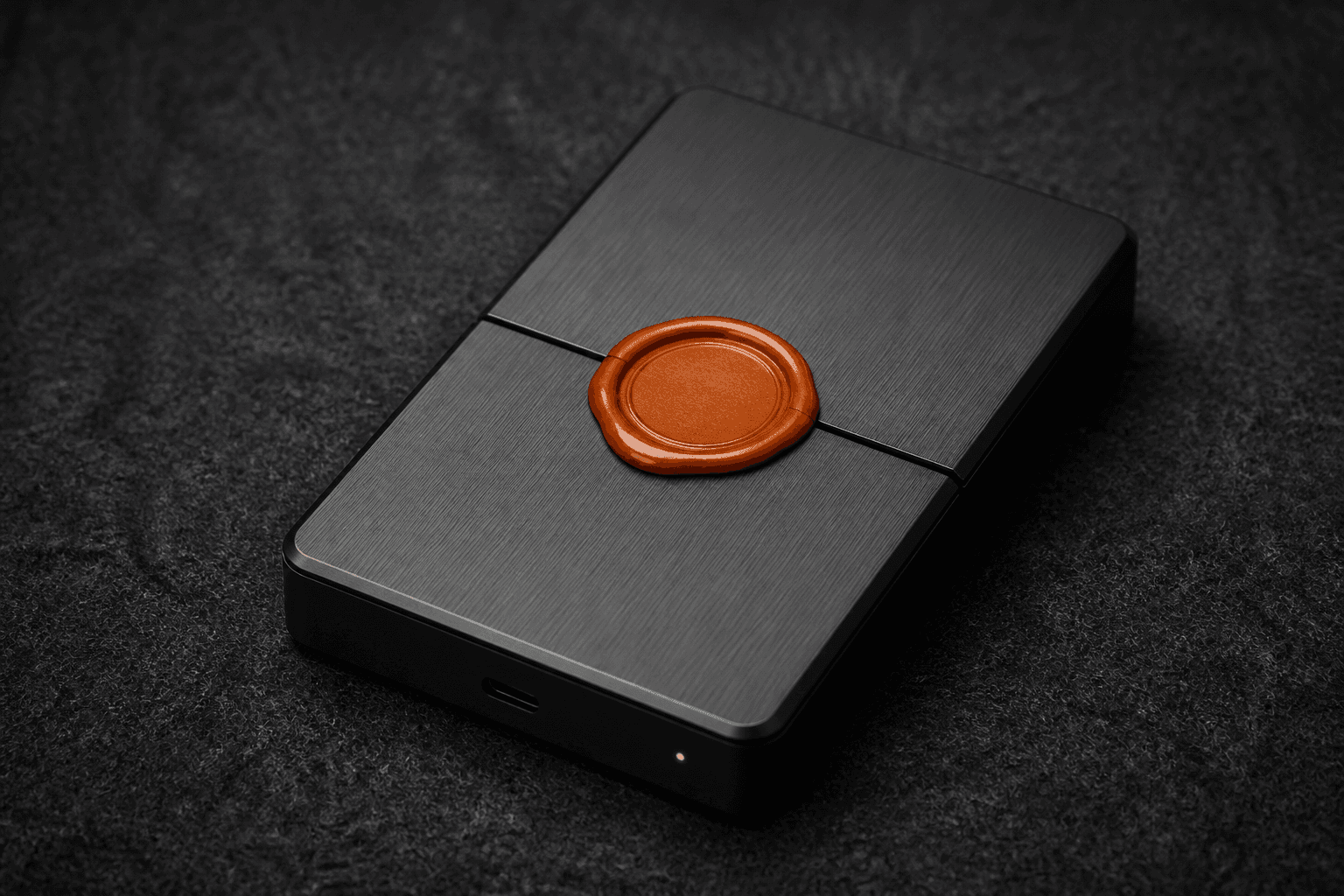
No cloud sync means you back up maskwright-data. If the disk dies and you did not copy the store, the profiles are gone. We cannot restore them. This how-to is the operator’s job: copy the store, test the restore, and keep the copy off the work profiles.
The page lives in Privacy because a backup is a second cookie store.
What to copy
The whole maskwright-data directory: encrypted profiles.json plus every profiles/<uuid>/. Disk use explains why it is large. Close launched browsers first. Copying a live Chromium tree is how you get a corrupt backup.
Prefer an encrypted volume or a disk you control. Not a random Drive folder named “chrome backup.” That is emailing the session with extra steps.
How I restore
Install MaskWright. Stop it. Replace the store directory with the copy. Start it. Launch one profile. Confirm the login. If the hostname/username changed and you did not set MASKWRIGHT_STORE_KEY, the derived key may not open profiles.json. Set the same env var you used before, or restore onto the same Windows user. AES-256-GCM is unforgiving. That is the point.
Cookie-only restore: export/import cookies and localStorage. That is a partial session. Cookie-based session management is the definition. A full folder copy is the real backup.
What a backup is not
Not an audit log. No SIEM. Not ads. Ads in the dashboard and owned ad slots do not replicate your store. What leaves this machine: we do not hold a replica. You do, if you made one.
| Step | Detail |
|---|---|
| 1 | Quit profiles |
| 2 | Copy maskwright-data to encrypted media |
| 3 | Store the media away from the work PC |
| 4 | Test restore on a spare user or VM |
| 5 | Repeat on a schedule you will actually keep |
On Windows I copy to a BitLocker USB labeled with a date, then a second copy on a NAS that is not world-readable. I do not keep the only backup in the same laptop bag as the laptop. I test restore on a spare Windows user so I learn about MASKWRIGHT_STORE_KEY before the disk dies.
File History and OneDrive are easy and also how cookie trees land in a cloud you did not mean to use. If OneDrive is backing up Desktop and you parked a zip there, you synced the session. Exclude maskwright-data from consumer cloud folders unless you intended that landlord.
Size: Chromium caches bloat. Disk use is the sibling. I still copy the tree. A partial copy that misses the cookie DB is a fake backup.
Pushback I hear: “OneDrive is my backup.” Then you hired a cookie landlord named Microsoft unless you excluded maskwright-data. Consumer cloud folders are sync. We refused sync in the product so you would notice when you turn it on yourself. Encrypted USB plus a NAS you control is the boring version that still works.
FAQ
How often?
Whenever losing yesterday’s logins would hurt. Weekly is a minimum for money profiles.
Can I exclude cache to save space?
You can try. You can also miss a file Chromium expected. I copy the tree. Disk is cheaper than a mystery.
Will you offer cloud backup later?
That would be sync. Download MaskWright and own the copy.
Should I back up while a profile is running?
No. Quit Chromium first. A live tree copy is how you restore a mystery. The restore you never tested is still not a backup. Copy, then open it once on a spare user.
Exclude maskwright-data from OneDrive unless you intended that landlord. File History is easy and also a second copy you forgot.
The restore you never tested is not a backup. Copy the store. Open it once on purpose. Then you get to call the architecture local-first without pretending disks live forever.
Related notes
- What leaves this machinePrivacy
- Disk use and user-data directoriesPrivacy
- Importing localStoragePrivacy
- Ads in the dashboard, not in your tabsPrivacy
- Export and import cookiesPrivacy
- A free app funded by owned ad slotsPrivacy
- Audit trails you cannot have without a serverPrivacy
- What cookie-based session management isPrivacy